FLORIDA STATE SPORTS MOTION TOOLKIT
Florida State has the longest continuous brick structure in the United States, and second longest in the world — only behind the Great Wall of China.
The Game Presentation team reached out looking to build a 3D brick based venue graphics package with the idea that they wanted it to be flexible to allow for different teams preferences across each venue, as well.
BallerFX modeled and built out a number of assets, all rigged for flexibility with streamlined UI, to make the updates and adjustments as easy and seamless as possible.
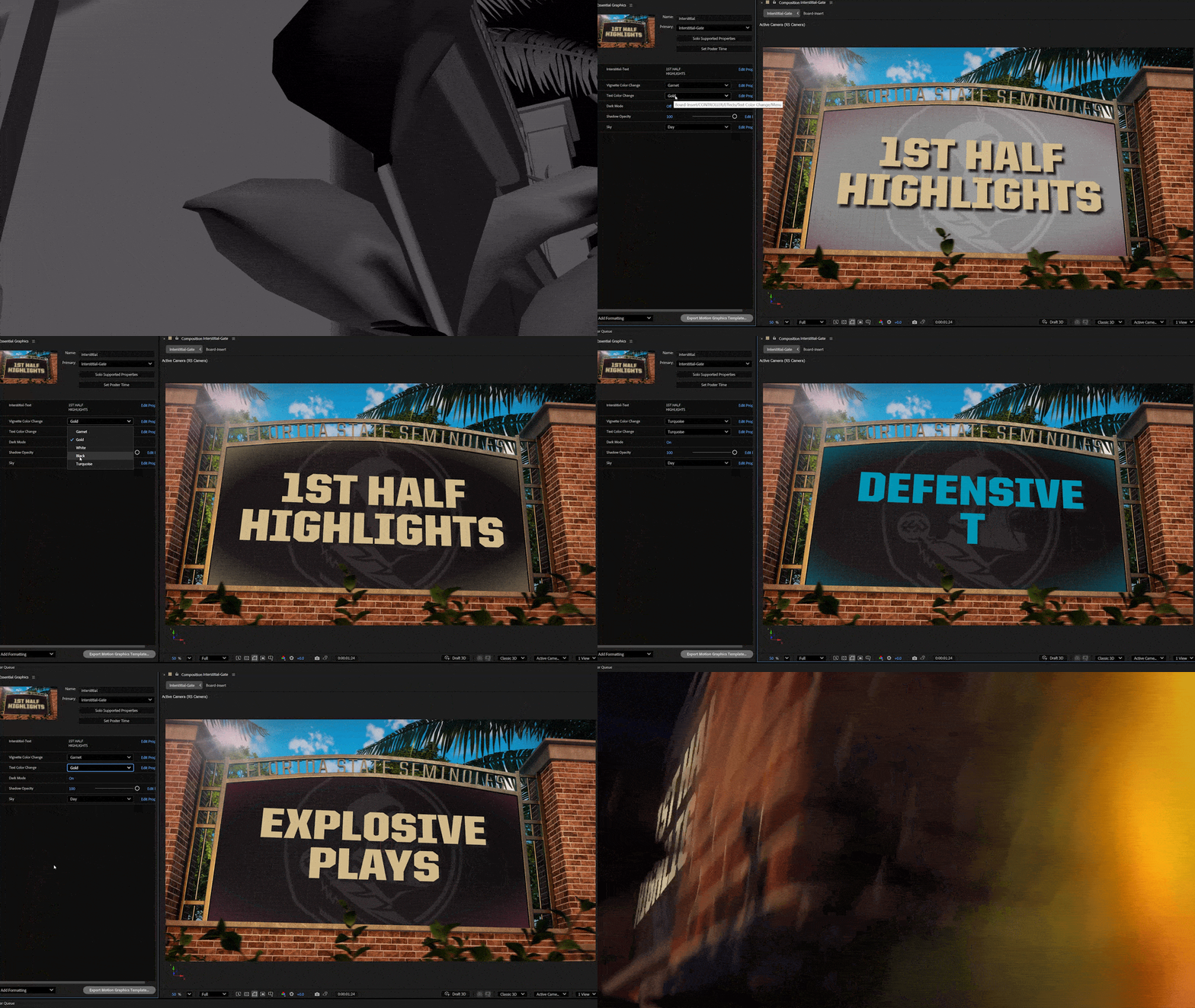
INTERSTITIAL TOOLKIT
Modeled in 3D, this brick-based package was toolkit for flexibility.
With options for day/night, and full control over the board insert look, the internal team has the ability to change out a number of elements to keep this content fresh.
Fully editable text, background elements, and color give them multiple options, while the text adjustments will automatically remain centered to allow for a quick turnaround and most efficient process.

MATCHUP LOOP TOOLKIT

To reinforce the architectural brick theme, we incorporated tower elements into the Matchup Loop and inserted team logos into the arch way.
The spear is synonomous with Florida State so we incorporated it as a centerpiece element to help accentuate the motion and impact as we reveal the matchup.
Flanked on either side, we have team flags with team names with the flexibility for color and text changes.
As is customary with BallerFX toolkits, the editable contents are carried across all assets, allowing team names, colors, and logos to be changed once, and have them carried across all assets. This keeps the editing and turnaround time short and quick for efficient updates.
PLAYER LINEUP TOOLKIT
Built for flexibility and modularity, the Lineup has a ton of editable options: day/night mode, player name, number, hometown, and color options.
The intro section of groups (Offense, Defense, Special Teams) and player positions can be a separate renders from the players themselves. This allows the internal team flexibility to create these renders once and skip the group section when going between all positions.
It also allows them to quickly change out players without needing to render the full sequence.
Crafted with automated adjustments both in the main screen and in ribbons, this package will automatically adjust for multiple lines, and shrink text to fit without losing the consistent look and feel.
As the players name changes, each element below flexes to maintain consistency and spacing rules.

PROMPT TOOLKIT
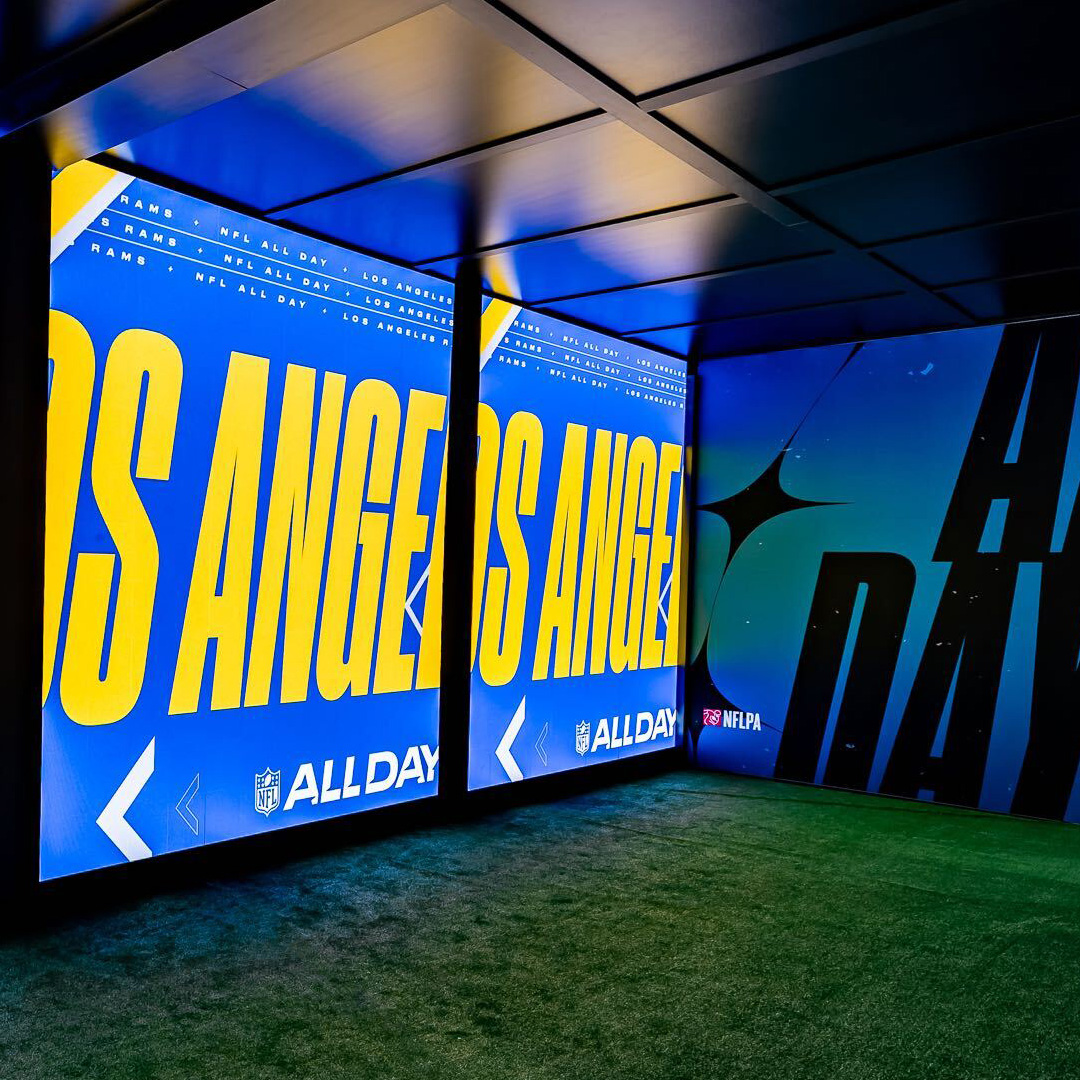
The prompt toolkit takes inspo from the Heritage Tower on campus with a 3D modeled version that is filled with energy.
We took creative liberty by adding an inset section on the sides of the tower to create a noise meter filled with bricks. These bricks are also used in the ribbons for a heightened scene of chaos.
In addition to day/night option, the internal team can edit the prompt text and change colors, and of course, the text automatically scales and adjusts to multiple lines to stay within the bounds.
You'll notice that we only change the main board text, and it automatically updates the ribbons, even though the text layout is different. One source, rigged for maximum efficiency.
Watch the ribbons as we type out longer text, and you'll see them automatically adjust to fit within the space without any additional work.
Copyright © Justin Peterson | All Rights Reserved